











One POS. No compromises.
Tax management, multiple bank accounts and tokenized cards from a single device. With online gateway included.
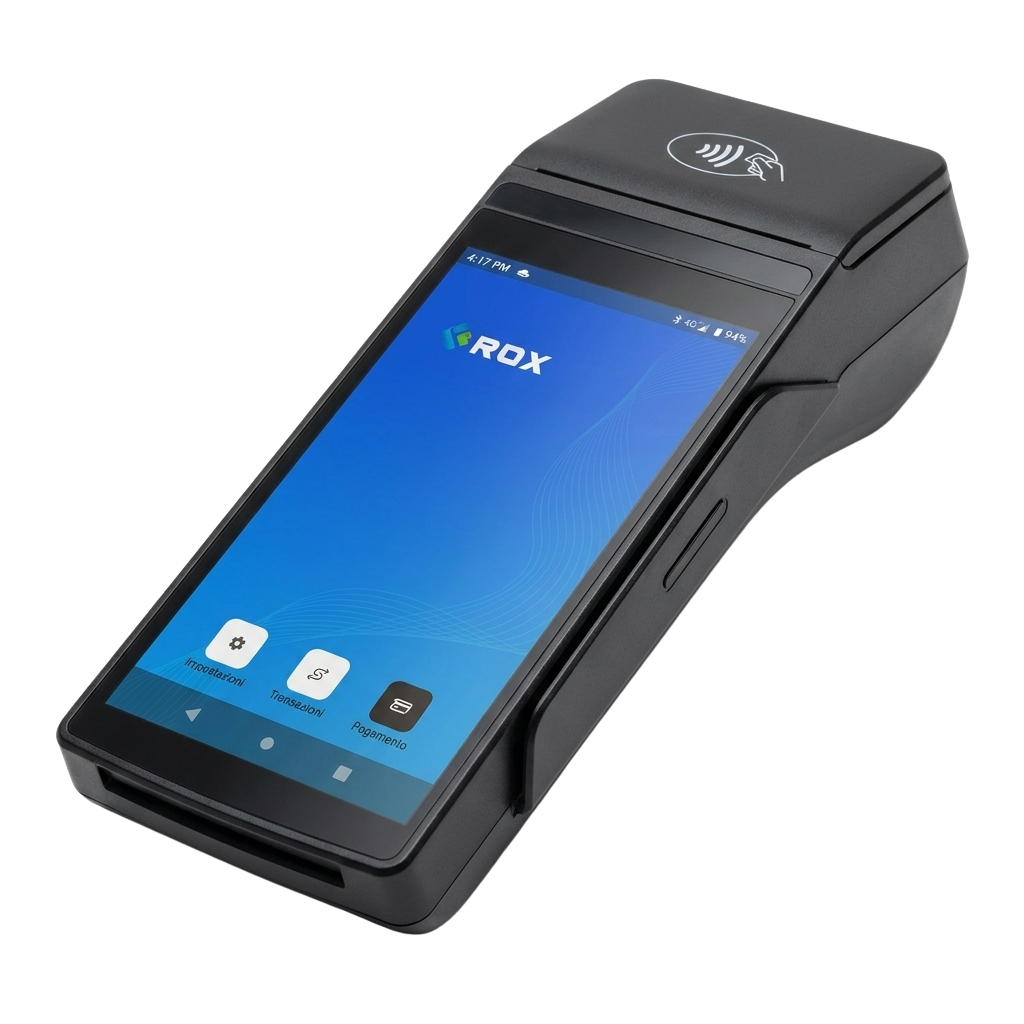
Fiscal document issued
E-receipt and e-invoice directly from the RoxPay POS
With the RoxPay POS you don't need a separate cash register. The device issues electronic receipts and e-invoices at the moment of payment, transmitting them automatically to the tax authority via fiscal compliance protocols.
- Zero additional hardware: no external fiscal printer, no cables to manage
- Automatic fiscal compliance: regulatory updates via OTA included
- Time saving: forget double-entry and manual reconciliation at end of day
RoxPay POS daily close in a single tap
Forget Excel spreadsheets and manual calculations. At the end of the day, press one button on the RoxPay POS and the complete summary is ready: totals by payment method, number of transactions, net amount to be credited.
- Automatic report: sent by email to the owner and accountant
- Totals by method: card, cash, vouchers separated for immediate reconciliation
- Accessible history: every closing is archived and viewable from the web dashboard
Daily summary
Payment routing
Configure routing rules from the RoxPay dashboard
Manage multiple bank accounts from the same RoxPay POS
Each RoxPay POS can be linked to multiple IBANs simultaneously. Define automatic routing rules and every payment is credited to the right account, without manual operations.
- Ideal for businesses with multiple partners: each partner receives their share directly
- Perfect for chains and franchises: multiple locations, one unified platform
- Configurable rules: by product category, amount or time of day
Automatic card tokenization on the RoxPay POS
When a customer pays for the first time on the RoxPay POS, the system replaces the real card data with a unique token. The card number is never saved on the device: you are automatically outside PCI-DSS scope and future payments from the same customer are faster.
- Zero PCI-DSS burden: compliance responsibility stays with RoxPay, not with you
- One-click payments: regular customers pay in less than three seconds
- Fraud protection: the token cannot be exploited in case of a data breach
Tokenization in action
Data travels encrypted via TLS 1.3
The original PAN is never stored
Token recognized, transaction authorized

RoxPay POS technical specifications
Choose the RoxPay POS model best suited to your business: countertop, portable and unattended solutions, all with the same integrated software features.
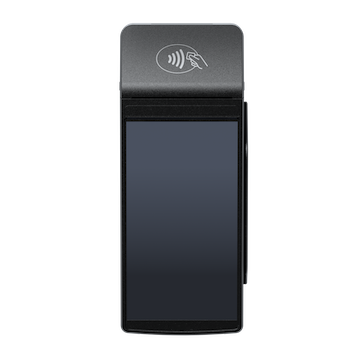
POS RoxPay S1F2
Compact Countertop- Type Compact Countertop
- Connectivity 4G, WiFi
- Payments NFC, Chip, MSR
- Certification PCI PTS, EMV
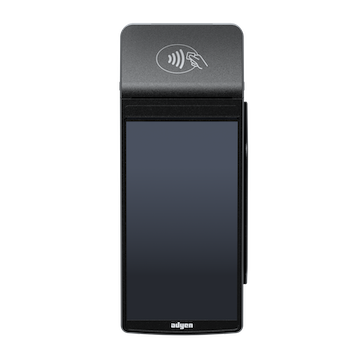
POS RoxPay S1F2-L
Compact portable- Type Compact portable
- Connectivity 4G, WiFi, BT
- Battery Built-in rechargeable
- Certification PCI PTS, EMV
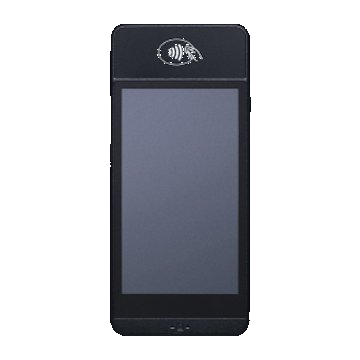
POS RoxPay S1E2-L
Portable mobile- Type Portable mobile
- Connectivity 4G, WiFi, BT
- Battery Built-in rechargeable
- Certification PCI PTS, EMV

POS RoxPay AMS1
Android Countertop- Type Android Countertop
- Connectivity WiFi, Ethernet
- Payments NFC, Chip, MSR
- Certification PCI PTS, EMV
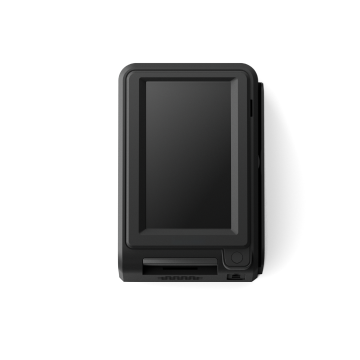
POS RoxPay S1U2
Unattended / Self-service- Type Unattended / Self-service
- Connectivity 4G, Ethernet
- Mounting Plate + screws included
- Certification PCI PTS, EMV
All RoxPay POS terminals are PCI PTS certified and updated via OTA. See the Smart POS page for the full catalogue of available models.
Frequently asked questions about the RoxPay POS
Everything you need to know before choosing your RoxPay POS.
Does the RoxPay POS issue electronic receipts without an external fiscal printer?
Yes. RoxPay terminals natively integrate fiscal management: electronic receipts and e-invoices are issued directly from the device, without the need for a separate cash register or external fiscal printer. Fiscal documents are automatically transmitted to the tax authority in compliance with applicable regulations.
Can I link multiple IBANs or bank accounts to the same RoxPay POS?
Yes. With RoxPay you can associate multiple IBANs with the same RoxPay POS and route incoming payments to different bank accounts. It is the ideal solution for merchants with multiple tills, partners, departments or locations sharing a single device.
How does card tokenization work on RoxPay?
When a customer pays with their card, RoxPay automatically tokenizes the payment method data. This means the card number is never stored on your device: you remain outside PCI-DSS scope and future payments from the same customer are faster and more secure.
Does the RoxPay POS work offline or without internet?
RoxPay terminals support multiple connectivity options (4G, WiFi, Ethernet) to ensure maximum operational continuity. In the event of a temporary connection interruption, the device can operate offline for low-value transactions and synchronize as soon as the connection is restored.
What payment methods does the RoxPay POS accept?
The RoxPay POS accepts all major payment methods: Visa, Mastercard, American Express, Maestro cards, NFC contactless payments, Apple Pay, Google Pay and Samsung Pay. QR code payments are also supported and, depending on the model, instant transfers via open banking.
How does daily closing work with the RoxPay POS?
The daily close is performed with a single tap from the RoxPay app. The end-of-day summary shows totals broken down by payment method (card, cash, vouchers), the number of transactions and the net amount credited. The report is automatically sent by email to the owner and accountant.
What are the RoxPay POS fees?
RoxPay uses the IC++ (Interchange Plus Plus) fee model: you pay exactly the actual interbank fees plus a fixed and transparent markup. There are no hidden fixed monthly costs or opaque flat-rate tariffs. Visit the pricing page for full details of the rates.
Ready to simplify your payments?
Activate your RoxPay POS in a few days. No hidden fixed costs, transparent IC++ fees.