











Activate your account in a few steps
Onboarding is the process where you register your business, complete verification and enable payment acceptance. You can do it yourself from the dashboard or integrate it into your own system via API.
How onboarding works
The process is the same on both channels: you create the business profile, complete a guided identity and business verification, provide the bank account for payouts and finally activate the capabilities. Verification takes place on a secure, protected page, compliant with anti-money-laundering obligations (KYC/KYB).
From the dashboard
The fastest way: everything happens in your account area, with no code. Ideal for activating one or a few businesses.
Via API
For partners and platforms that need to onboard many merchants in an automated way, integrated into their own flow.
What you need before you start
Keep this information handy: it makes verification faster and reduces follow-up requests.
- A valid email address to create the account
- Business identification details: legal name, VAT or tax ID, country
- ID document of the legal representative and the ultimate beneficial owners
- The IBAN of the account where you want to receive payouts
- For the API integration only: the credentials (API key) generated from the dashboard
Onboarding from the dashboard
Activate your business yourself, directly from your account area. No technical skills required.
- 01
Create your account (or sign in)
Sign up to the platform for free: all you need is a valid email, you will receive a confirmation link and can set your password. If you are already registered, sign in directly with your credentials.
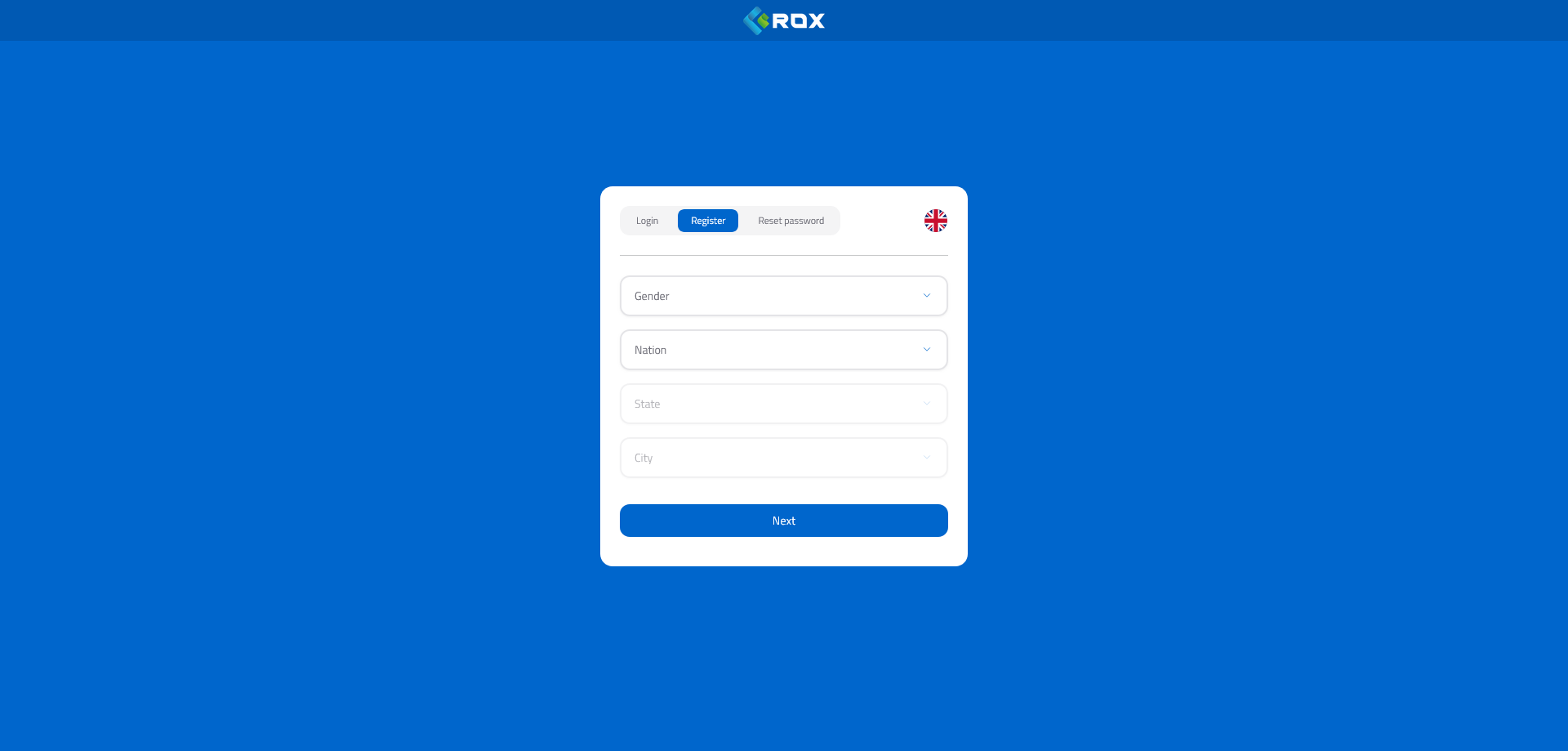
Sign-up screen: email field and password creation. - 02
Add your business
From the dashboard open the businesses section and select «Add business». Enter the main identification details: legal name, VAT or tax ID and country.
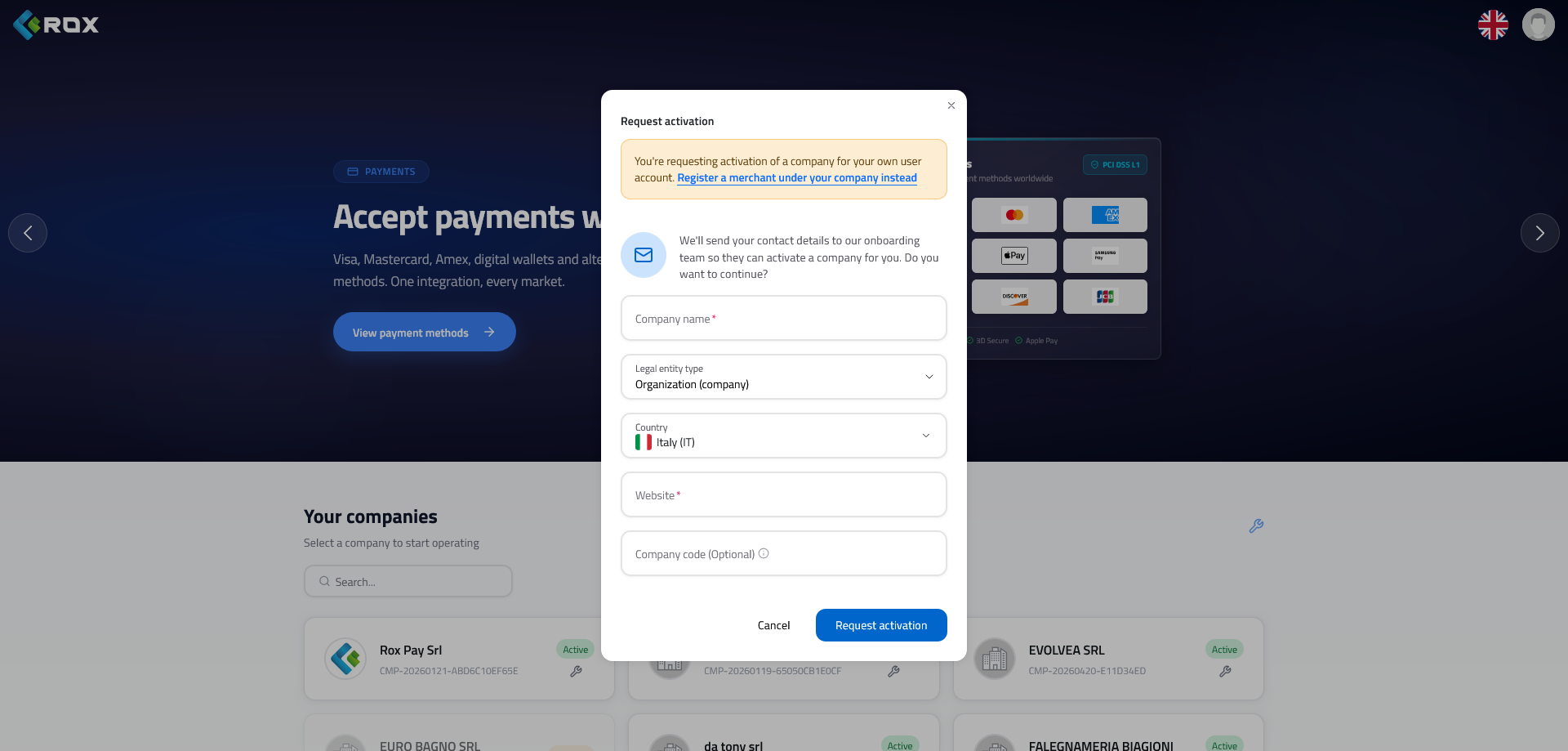
Business creation: identification details and country of activity. - 03
Complete the guided verification
Click «Complete onboarding»: you will be redirected to a secure verification page where you provide your business details, the ultimate beneficial owners and the required documents. The process is guided step by step and can be resumed at any time.
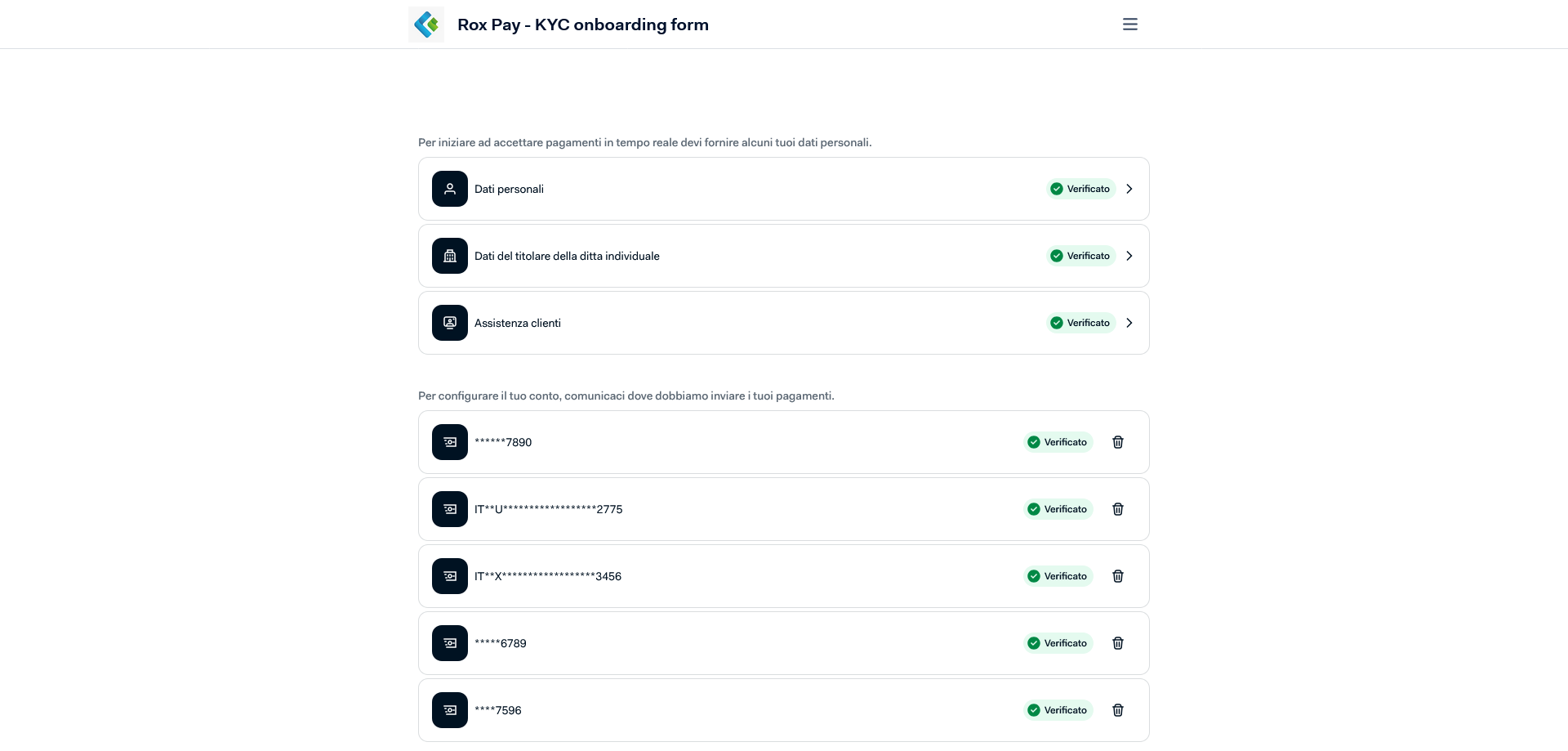
Secure verification page: business details, beneficial owners and document upload. - 04
Add the payout account
Provide the IBAN where you want to receive payouts and upload any supporting documents. The consistency of the banking details is checked automatically.
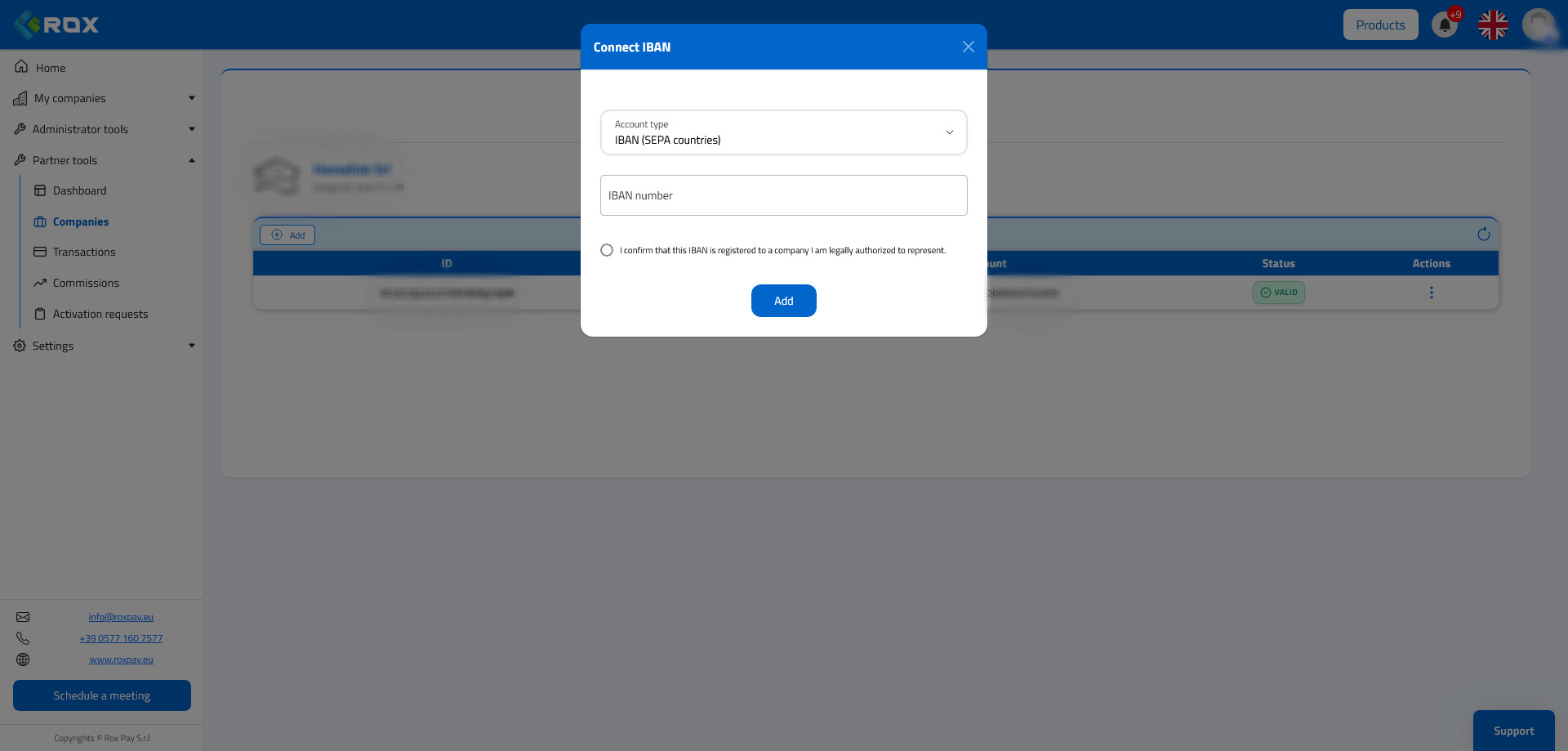
Account details: IBAN and account holder for payouts. - 05
Track the status and activate payments
From the dashboard follow the verification status in real time. Once the capabilities are active you can start accepting payments and receiving payouts.
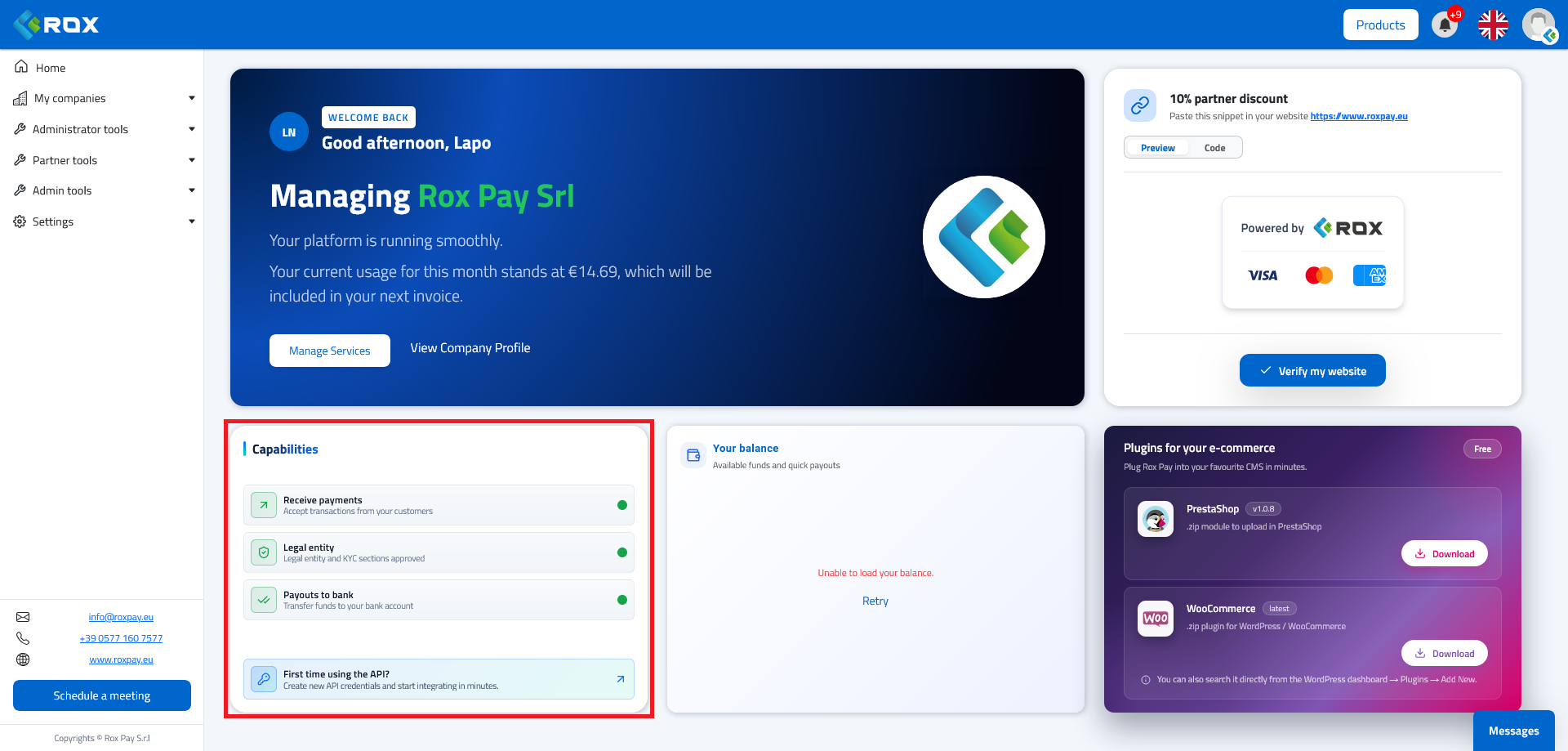
Status summary: verification completed and capabilities active.
Onboarding via API
Automate merchant registration and verification by integrating them into your flow. Designed for partners and platforms.
Open the API documentation- 01
Get your API credentials
Generate your API key from the developers area of the dashboard and browse the interactive documentation with all the endpoints, parameters and request/response examples.
Open the API documentation - 02
Register the business
Create the business profile by sending its identification details. The response returns the unique identifier to use in the next steps.
POST
/api/v4/onboarding/register - 03
Generate the onboarding link
Request a secure verification link and redirect the merchant to complete data and document entry. The link is single-use and expires.
POST
/api/v4/onboarding/{companyUuid}/hosted-link - 04
Check the status
Query the verification status to know when the business is approved and which capabilities are active. You can automate periodic polling.
GET
/api/v4/onboarding/legal-entity/status/{companyUuid} - 05
Add the payout IBAN
Register via API the account where the merchant will receive payouts.
POST
/api/v4/onboarding/bank-account
Main endpoints
/api/v4/onboarding/countries List of countries supported for onboarding. /api/v4/onboarding/register Registers a new business and returns its unique identifier. /api/v4/onboarding/{companyUuid}/hosted-link Generates the secure link for guided verification. /api/v4/onboarding/legal-entity/status/{companyUuid} Returns the verification status and active capabilities. /api/v4/onboarding/bank-account Registers the business payout account. The full list, with parameters and schemas, is available in the interactive documentation.
Verification & activation
After you submit the data, verification is processed. Here is what to expect:
Identity & business verification
We check the business details, the legal representative and the ultimate beneficial owners, in compliance with anti-money-laundering obligations (KYC/KYB).
Capability status
Each capability (payment acceptance, payouts) is enabled as verification progresses. The status is always available from the dashboard or via API.
Possible follow-ups
If information or documents are missing, you receive a specific follow-up request: just complete what is needed, without repeating the whole process.
Payouts
Once the account is verified and the capabilities are active, payouts are made to the provided IBAN according to the agreed timing.
Frequently asked questions
How long does verification take?
In most cases verification is completed quickly. If additional checks or documents are needed you will receive a specific request: completing the follow-up promptly reduces activation time.
Which documents are required?
Typically the ID document of the legal representative and the beneficial owners, the business identification details and the IBAN for payouts. The verification page guides you step by step on what to upload.
Can I use both the dashboard and the API?
Yes. The dashboard is the fastest way to activate one or a few businesses; the API is designed for partners and platforms that onboard many merchants in an automated way. The underlying process is the same.
How do I get help?
If you have questions during onboarding you can contact our team: we help you complete verification and activation.
Ready to start?
Create your account and complete onboarding in a few steps, or talk to our team if you need support.